


YOUR HEALTH. IN YOUR HANDS.
Activate or Create Your Patient Portal Account
Your patient portal gives you easy, secure access to your health information, anytime, anywhere.
How to Get Started
Having Trouble?
Did you use the link from our website?
In order to enroll or activate your portal account for the first time, you must use the patient portal link provided on our website. After the initial set up, you may use the Healow App to access your account. Click Here to Get Started
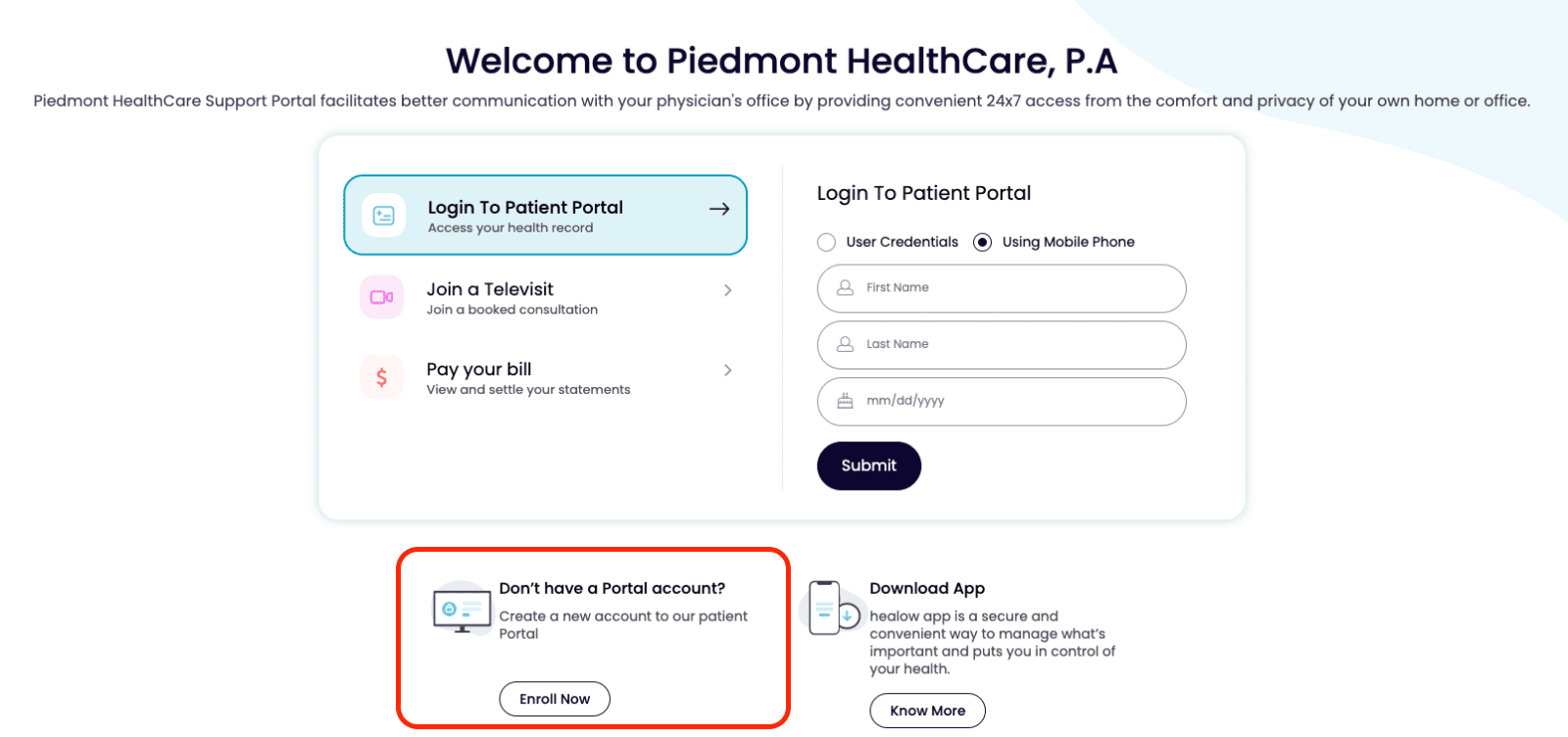
Did you choose “Enroll now”?
When you open healow, scroll past the log in section and select “Enroll now.”
If you are still having trouble after checking these steps, please contact your PHC office for assistance.